On the web, now
Any browser, phone or desktop. Sign up with your email and a one time code. Same account everywhere.
Join early accessDownload
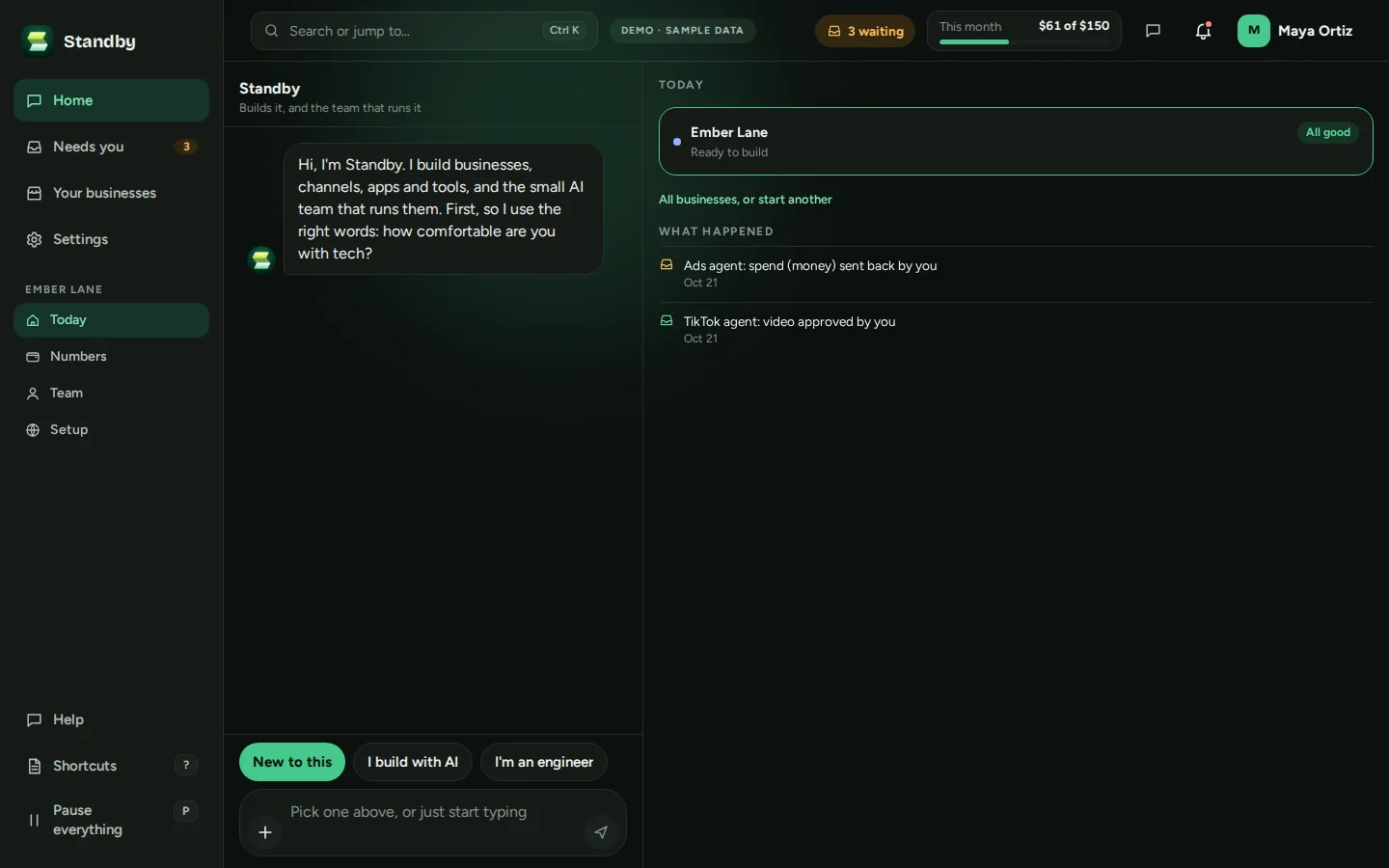
Standby Builder runs in your browser today: open app.standbybuild.com on your phone or your desktop, sign up with your email, and start. The Windows app, version 1.0.18, is here to download; it updates itself. It is signed by Standby Ops LLC. The iPhone app is coming soon.
Now on the web and on Windows. iPhone app coming soon.
Any browser, phone or desktop. Sign up with your email and a one time code. Same account everywhere.
Join early accessStandby Builder for Windows, version 1.0.18, 114 MB, for Windows 10 and 11 (64 bit). A tray icon, notifications, and it updates itself. Same account as the web app.
Download for WindowsPublished 30 October 2026. Windows will warn you first: here is why, and what to click.
The iPhone app is coming soon. Standby writes once, the day it opens.
Coming soonThe Standby Builder installer and the app inside it are signed by Standby Ops LLC with a certificate verified by Microsoft, and every update is checked against that signature before it installs. Windows shows Standby Ops LLC as the publisher.
Because the certificate is new, Microsoft Edge or Windows SmartScreen may still say for a while that the file is not commonly downloaded. If you see that, choose Keep in Edge's Downloads list, and in the blue Windows box choose More info, then Run anyway. The publisher it names should be Standby Ops LLC; if it names anyone else, do not run it.
Then the installer runs on its own, with no questions, and opens Standby Builder. Sign in with your email, as on the web. When a new version is ready, Standby Builder downloads it in the background and the tray menu offers Restart to update.
Standby writes once, when the iPhone app opens. Nothing else, and every email has a one click unsubscribe.